


Why Node.js Requires a Dedicated Production Process Manager
In short: PM2 for Node.js keeps your app running in production: it restarts the app if it crashes, starts it again after a server reboot, runs it on all CPU cores in cluster mode and keeps logs. The setup commands are below.
Node.js is architected around a single-threaded event loop. While this design delivers extraordinary I/O efficiency for asynchronous tasks, it introduces a severe operational vulnerability in production environments: an uncaught exception or fatal JavaScript error crashes the entire Node.js runtime process, immediately severing connection to all active users. Furthermore, running node server.js directly inside an SSH terminal session terminates the instant your SSH connection disconnects. A dedicated production process manager is mandatory to daemonize applications, restart crashed processes, fork worker threads across multi-core CPUs, and manage execution logs.
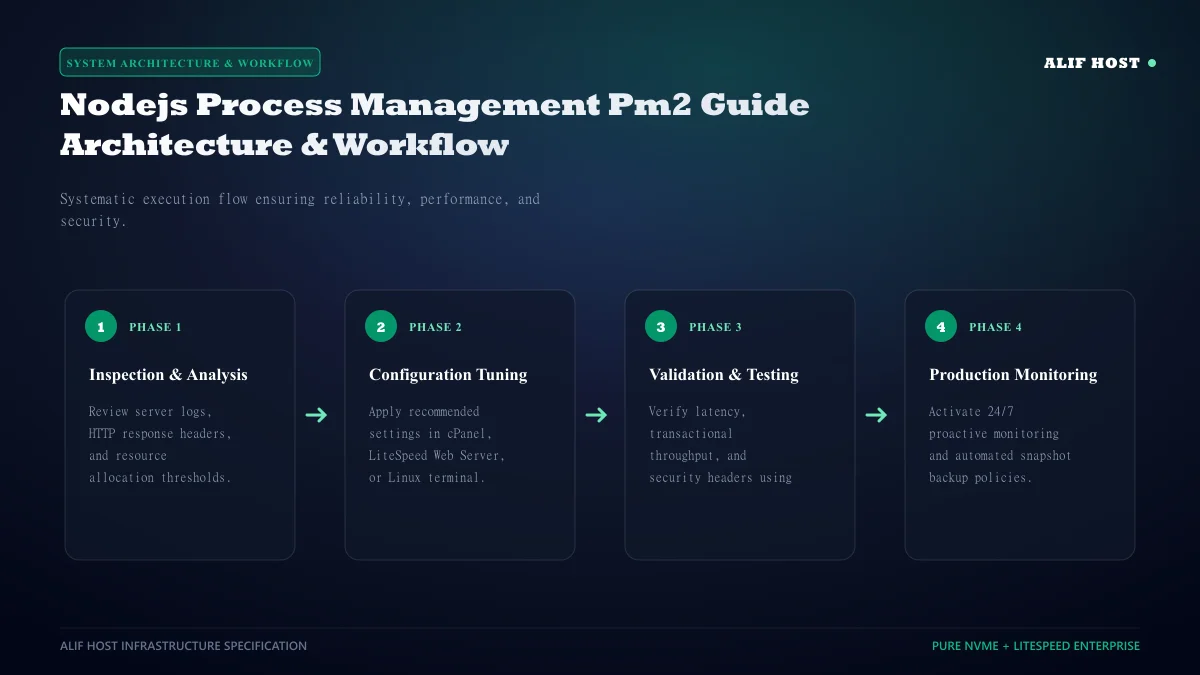
- Background Daemonization: Runs Node.js apps persistently as background system services.
- Automated Crash Recovery: Detects unhandled exceptions and instantly restarts the worker thread in milliseconds.
- Multi-Core CPU Clustering: Bypasses the single-threaded limitation by forking identical application instances across all available CPU cores.
- Zero-Downtime Hot Reloads: Reloads code updates sequentially across workers without dropping a single active customer connection.
Essential PM2 Command-Line Reference
Master the fundamental command line operations required to manage live production instances:
- Start Application:
pm2 start app.js --name "api-service" - List Active Processes:
pm2 list(Displays status, CPU, memory, uptime, and restarts) - Real-Time Telemetry Monitor:
pm2 monit(Terminal dashboard with live CPU/RAM metrics) - Stream Live Logs:
pm2 logs api-service --lines 100 - Stop / Restart Process:
pm2 stop api-serviceorpm2 restart api-service
Configuring Enterprise Deployments with ecosystem.config.js
In professional engineering pipelines, avoid manual CLI flags. Define your deployment parameters declaratively using an ecosystem.config.js file in your project root:
Production Ecosystem Configuration Example
module.exports = {
 apps: [{
 name: "production-api",
 script: "./dist/server.js",
 instances: "max", // Forks across all available vCPU cores
 exec_mode: "cluster",
 watch: false,
 max_memory_restart: "1G", // Auto-restart if memory leaks exceed 1GB
 env_production: {
 NODE_ENV: "production",
 PORT: 8080
 }
 }]
};
Comparison: PM2 Execution Modes (Fork vs Cluster)
Review the technical characteristics of PM2 execution modes.
| Feature | Fork Mode (`exec_mode: "fork"`) | Cluster Mode (`exec_mode: "cluster"`) |
|---|---|---|
| Instance Count | Single instance only | Multi-instance (Scaled to available CPU cores) |
| CPU Core Utilization | Restricted to 1 physical CPU core | 100% saturation of all available server cores |
| Deployment Reloading | Requires brief application restart downtime | Zero-downtime rolling reload (pm2 reload) |
| Best Suited For | Background workers, cron daemons, scripts | Web APIs, Express apps, Next.js frontends |
Enabling Systemd Boot Persistence and Automated Startup
If your VPS reboots due to kernel updates or power cycling, your PM2 applications must relaunch automatically without manual SSH intervention:
- Generate Systemd Hook: Run
pm2 startup. PM2 will output a customizedsudo env PATH=...command string. - Execute the Output Command: Copy and run the generated string in your terminal to create systemd service units.
- Save Active Process State: Run
pm2 save. This writes your active process list to/root/.pm2/dump.pm2for automated boot restoration.
Log Rotation and Disk Space Management
Production Node.js applications generating high request volumes can produce gigabytes of log data, exhausting disk storage. Install the official pm2-logrotate module to automatically compress and rotate logs:
- Install Module:
pm2 install pm2-logrotate - Configure Max Size:
pm2 set pm2-logrotate:max_size 50M - Configure Retention:
pm2 set pm2-logrotate:retain 14(Preserves 14 days of historical logs)
Graceful Shutdown Handshakes: Handling SIGINT and SIGTERM Cleanly
When PM2 executes zero-downtime rolling reloads (pm2 reload), it sends a SIGINT signal to the active Node.js worker thread. If your application code does not listen for this signal, ongoing database transactions and customer HTTP connections are severed abruptly.
- Listen for SIGINT: In your Express/Fastify server code, add
process.on('SIGINT', async () => { server.close(); await db.disconnect(); process.exit(0); });. - Configure
kill_timeout: Inecosystem.config.js, setkill_timeout: 5000to allow ongoing HTTP requests up to five seconds to finish processing before PM2 forces worker termination.
Multi-Environment Secret Management with PM2
PM2 allows you to declare distinct configuration environments (development, staging, production) within a single ecosystem file. Pass --env production to inject production database connection URIs and API keys securely without committing secrets to public Git repositories.
Automated Application Healthchecks and Memory Threshold Restarts
To guard against silent memory leaks in third-party npm packages, configure max_memory_restart: "1G" inside ecosystem.config.js. If a worker thread exceeds 1 GB of memory, PM2 will gracefully restart it while other cluster threads continue serving requests.
Real-Time Telemetry and Health Monitoring with PM2 Monit
Run pm2 monit in your terminal to view a live, curses-based terminal dashboard displaying per-worker CPU load, event loop latency, and memory utilization.
Persistent Startup Configuration Across Operating System Reboots
Always execute pm2 save after starting your cluster instances. PM2 will dump the active process configuration state into ~/.pm2/dump.pm2, ensuring that when the physical server reboots for kernel updates, systemd immediately resurrects your Node.js application cluster without human intervention.
PM2 Production Operations Checklist: Deploying with High Availability
Ensure your Node.js and Next.js applications maintain 99.9% uptime with this production operations checklist:
- Deploy via Ecosystem Config: Always launch instances using
ecosystem.config.jsrather than manual CLI command flags. - Enable Cluster Mode on Multi-Core VPS: Set
instances: "max"to distribute HTTP requests across all available vCPU cores. - Implement Graceful Reload Handshakes: Listen for
SIGINTsignals in application code to close database connections cleanly. - Save State Across Server Reboots: Execute
pm2 startupandpm2 saveto ensure automatic resurrection after system reboots. - Configure Memory Ceiling Restarts: Set
max_memory_restart: "1G"to gracefully recycle worker threads experiencing memory leaks.