


What Is Time to First Byte (TTFB) and Why Is It the Foundation of Web Speed?
In short: To reduce TTFB (Time to First Byte), use server-level page caching, fast NVMe storage, a current PHP version, object caching for database-heavy sites and a server close to your visitors. Aim for under about 200 ms on cached pages.
Time to First Byte (TTFB) is a fundamental performance metric that measures the precise duration between a browser issuing an initial HTTP request and receiving the very first byte of response data from the destination web server. While frontend performance metrics (such as Largest Contentful Paint or First Contentful Paint) measure how quickly assets are rendered on screen, TTFB measures the raw operational speed and responsiveness of your backend server infrastructure. No matter how aggressively you compress images or minify JavaScript, if your server takes 1.5 seconds just to deliver the first byte of HTML, your entire website is irrevocably slow.
Our shared hosting runs on LiteSpeed with NVMe storage, two of the server-side factors this guide covers.
- Google Core Web Vitals Baseline: Google defines a "Good" TTFB as under 800 milliseconds, with high-performance production sites targeting sub-200ms.
- Direct Impact on LCP: Largest Contentful Paint cannot begin downloading visual elements until the initial HTML document is received.
- Three Discrete Phases: Total TTFB encompasses DNS lookup time, TCP/TLS handshake duration, and backend server processing latency.
Deconstructing the 3 Stages of Time to First Byte
To optimize TTFB systematically, you must identify which of its three component phases is introducing latency:
Phase 1: DNS Lookup and Network Routing Latency
The time required for the browser to resolve your domain to an IP address. Using slow nameservers adds 100ms to 300ms of lag before the server is even contacted. Deploying Anycast DNS reduces this phase to under 20 milliseconds.
Phase 2: TCP Connection and TLS Cryptographic Handshake
The time required to establish network connection and negotiate encrypted TLS 1.3 keys over port 443. High physical server distance increases round-trip time (RTT).
Phase 3: Backend Server Processing and Compilation
The primary bottleneck for dynamic CMS applications. The web server must boot PHP, query MySQL, execute theme templates, and assemble HTML. On unoptimized hosting, this phase alone can take 800ms to 2 seconds.
Comparison: TTFB Optimization Techniques and Impact
Review the technical methods available to slash server response times.
| Optimization Technique | Target TTFB Phase | Expected Latency Reduction | Implementation Method |
|---|---|---|---|
| Server-Level LiteSpeed Cache (LSCache) | Backend Processing | 70% to 90% reduction | Deploy LiteSpeed WordPress Plugin |
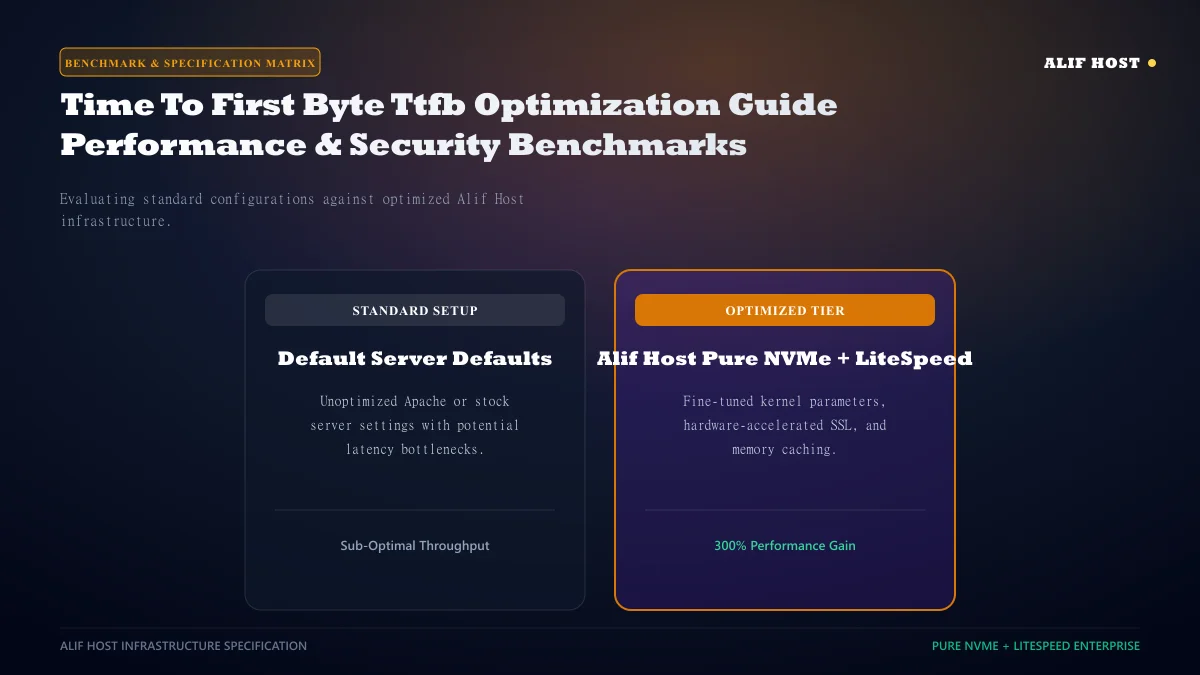
| High-IOPS NVMe Storage Arrays | Database Query Time | 40% to 60% reduction | Host on Alif Host NVMe hardware |
| Upgrade to PHP 8.2 / 8.3 with OPcache | PHP Bytecode Compilation | 20% to 35% reduction | Toggle in cPanel Select PHP Version |
| TLS 1.3 with 0-RTT Resumption | TLS Cryptographic Handshake | 30% reduction | Enabled natively on modern web servers |
| Premium Anycast DNS Routing | DNS Lookup | 50ms to 150ms reduction | Use an Anycast DNS provider such as Cloudflare |
Action 1: Deploy Server-Level LiteSpeed Caching
The single most transformative optimization for dynamic CMS sites. With LiteSpeed page caching enabled, the web server serves pre-compiled static HTML directly from high-speed memory caches without invoking PHP or querying MySQL, drastically reducing server processing time.
Action 2: Enable PHP OPcache in cPanel
PHP is an interpreted language; by default, the server parses and compiles PHP scripts into bytecode on every single request. Enabling OPcache stores precompiled script bytecode in shared server RAM, eliminating compilation overhead on recurring requests.
- In cPanel, open "Select PHP Version" -> "Extensions".
- Ensure the
opcachemodule checkbox is checked. - Verify that OPcache memory consumption is allocated at least 128MB.
How to Accurately Measure TTFB from Global Test Locations
Never test TTFB exclusively from your local browser while logged into WordPress admin. Use standardized testing platforms like WebPageTest.org or ByteCheck.com to measure TTFB across multiple global geographic locations under cold-cache and warm-cache states.
Tuning MySQL Database Parameters: innodb_buffer_pool_size
In database-driven applications like WordPress, slow TTFB is frequently caused by disk read delays inside the MySQL database daemon. The single most important MySQL configuration directive for performance is innodb_buffer_pool_size inside /etc/my.cnf:
- Buffer Pool Function: Directs MySQL to cache table data and indices in physical server RAM rather than reading from NVMe disks.
- Sizing Rule: On dedicated database VPS servers, allocate 50% to 70% of total physical RAM to the InnoDB buffer pool.
- Query Execution Drop: Table query response times drop from 50ms down to sub-2ms when tables reside completely inside RAM buffers.
Minimizing Render-Blocking Third-Party External Font and Script Calls
Loading Google Fonts, external analytics, and live chat scripts from foreign domains introduces multiple external DNS lookups and TLS handshakes before your server can conclude asset assembly. Host fonts locally on your server and defer all non-critical third-party analytics scripts.
Geographic Latency and Data Center Proximity
Speed-of-light propagation across fiber-optic cables means physical distance introduces unavoidable physical latency. Choosing a server hardware location geographically proximate to your primary customer base shaves 100ms+ off network round-trip time.
Comprehensive TTFB Diagnostic Checklist: Achieving Optimal Latency
Follow this technical checklist to systematically eliminate server response lag and achieve fast TTFB:
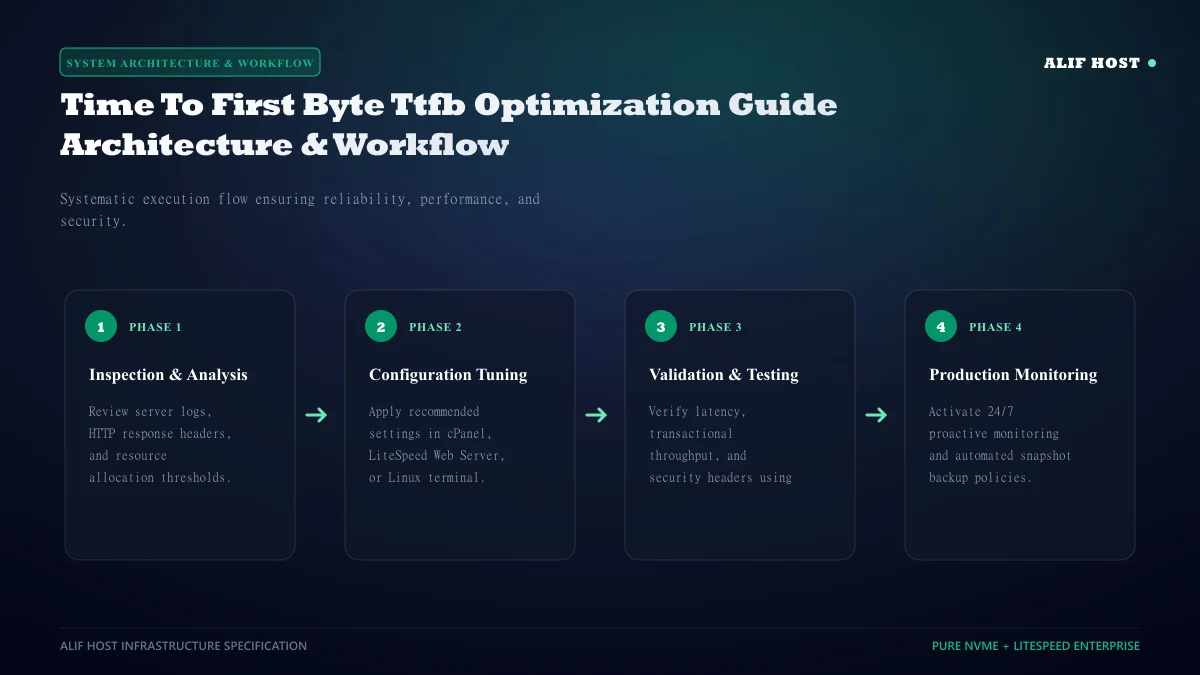
- Deploy Server-Level LiteSpeed Cache: Eliminate PHP execution for cached visitor requests to minimize TTFB.
- Upgrade to Modern PHP 8.2+ with OPcache: Precompile PHP bytecode in server RAM to accelerate dynamic page assembly.
- Connect In-Memory Redis Object Cache: Store MySQL query results in RAM to eliminate database disk I/O bottlenecks.
- Optimize Autoloaded Options in
wp_options: Keep total autoloaded database data under 800 KB for near-instant page boots. - Deploy High-Performance Anycast DNS: Minimize initial domain name lookup latency for visitors worldwide.